We all get small aches and pains - My Body Log is a quick and easy way to record when they happen, so that you can see when they started and have a record of how they progress over time.
This free app does not provide advice - it just lets you log what happens. There is a tip jar, but leaving a tip doesn’t change the app’s behavior.
Note: Your data stays entirely inside your Apple account and I use no analytics: I made this app because I wanted it for myself and I thought it might help others.
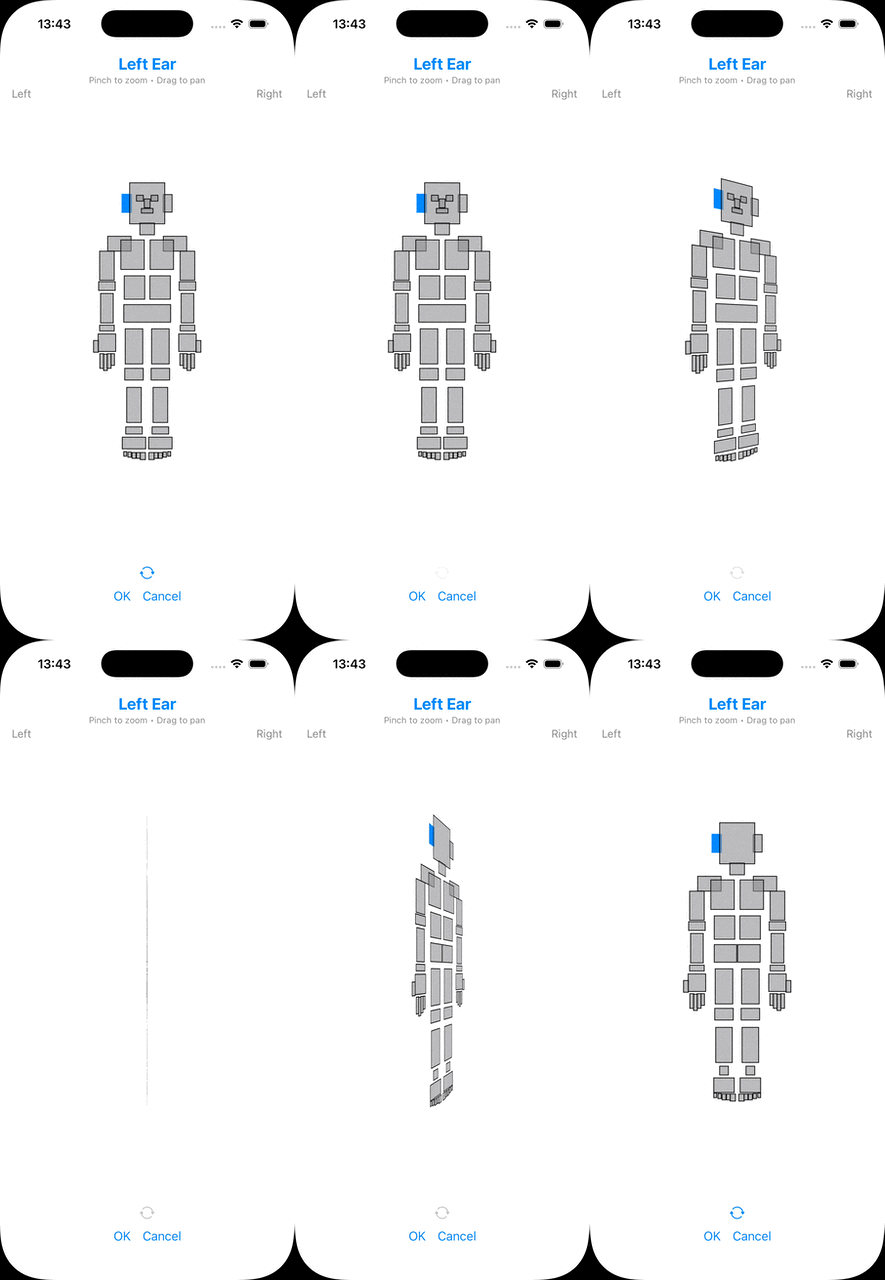
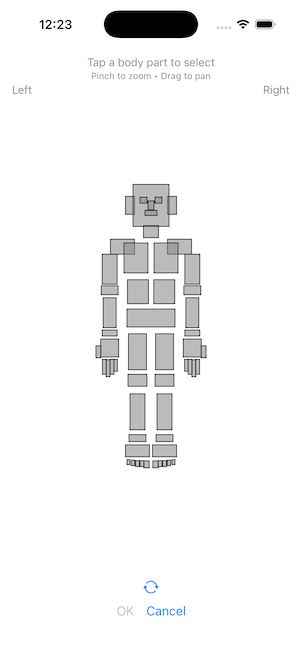
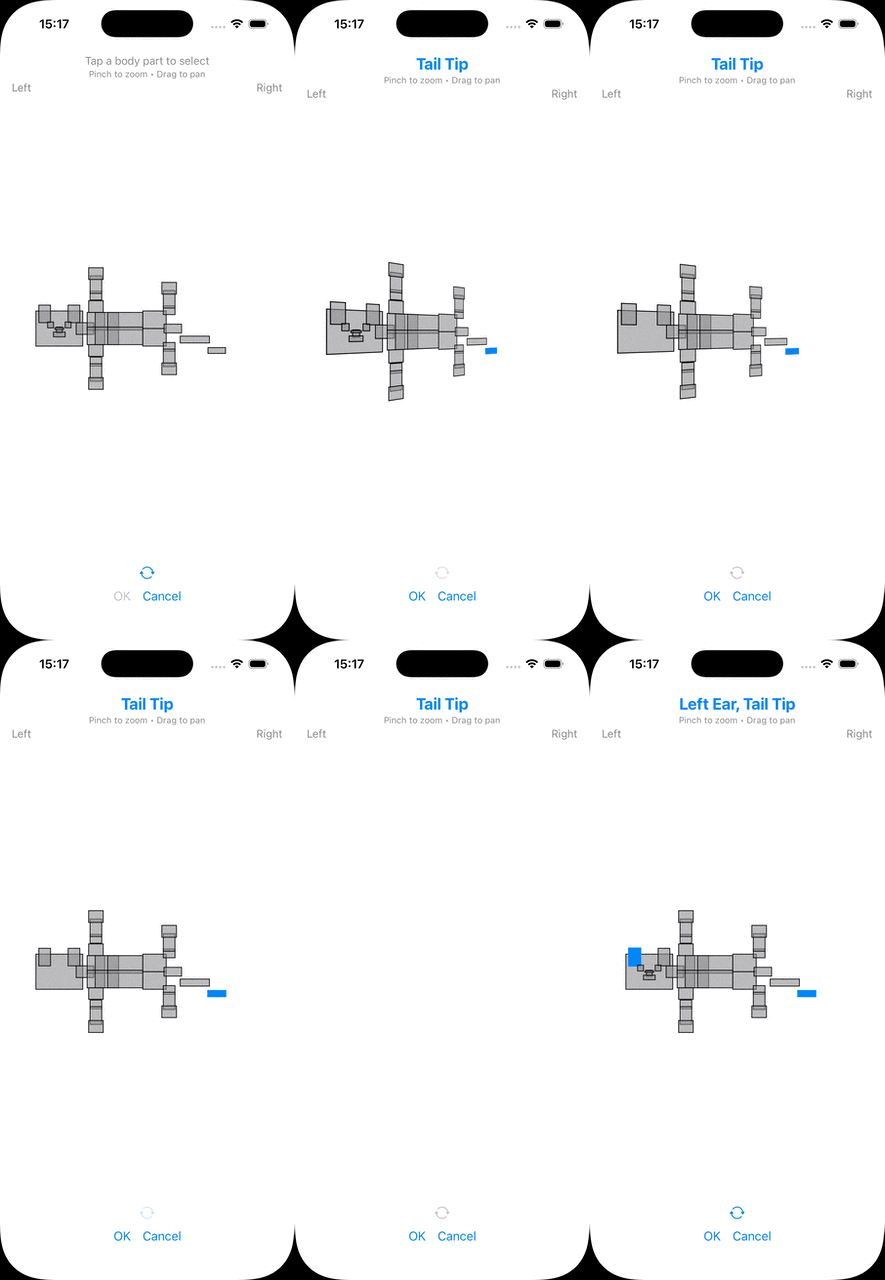
You can tap on a body part to indicate where, or just enter text:
Animation
- You choose the level of detail to log
- Profiles: log for someone else, or your pet
- Export (and import)
- Apple Health
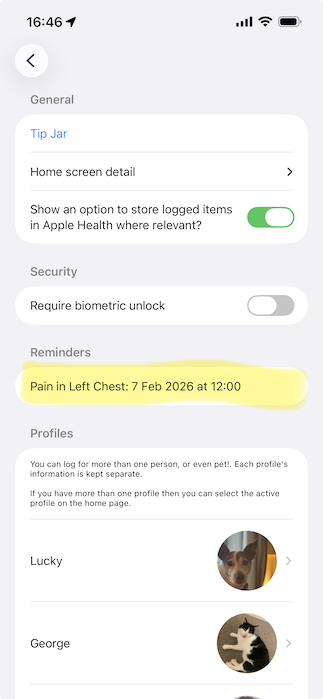
- Reminders
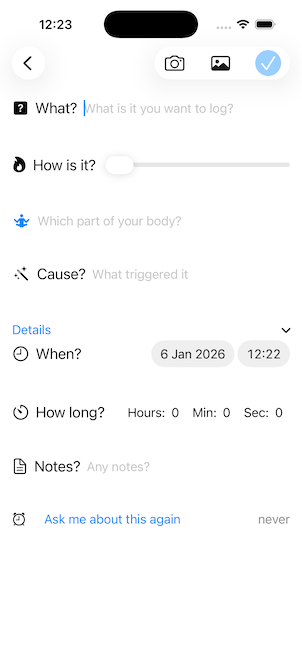
You choose the level of detail to log
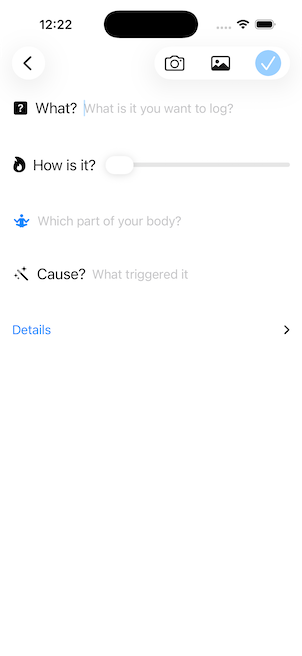
You log what happened, and in addition you can optionally log:
- How it is on a scale of 1-10
- Which part of your body it happened to - either text, or select from an image (see robot above)
- What caused it (triggers)
- When it happened
- How long it lasted for
- Any additional notes
- Up to four photos or short videos.
Profiles: log for someone else, or your pet
You can log items for more than one person (for example your child) or even pets.
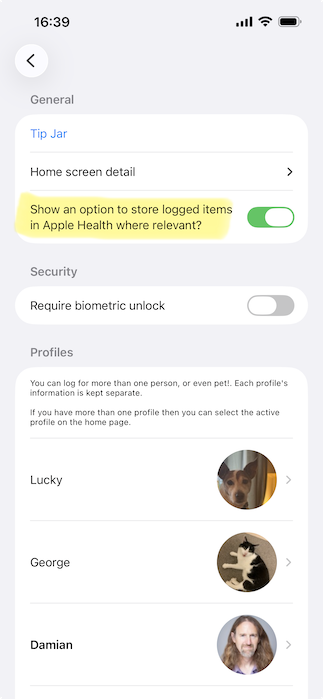
In the Settings page, add additional profiles:
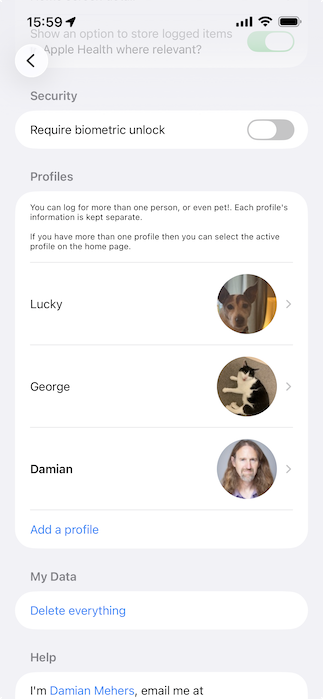
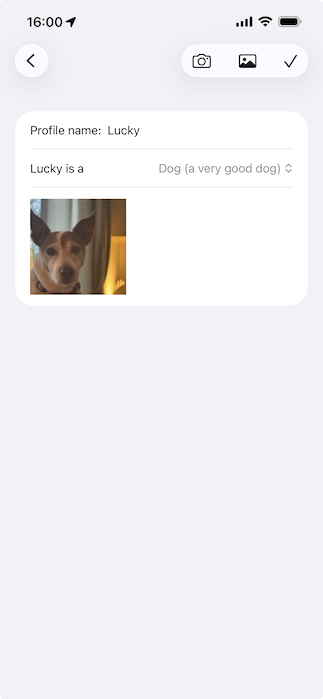
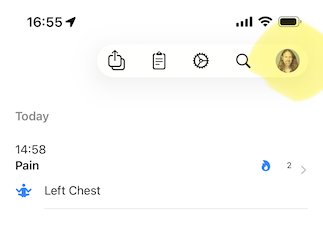
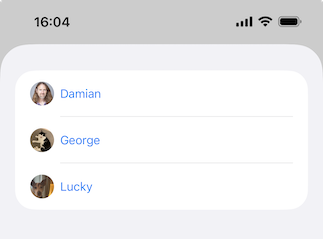
When you have more than one profile then you can select the active profile using the picker in the toolbar on the home page:
Cat body part picker animation
Export (and import)
The last thing I want is for my data to be locked into an app, so I’ve made it easy to export your data. Tap the export button on the home page, and then you can export as a PDF, or as an ZIP file containing excel-compatible CSV files (together with images):

When you export the ZIP, you can optionally password protect it:

Those ZIP files can be re-imported into the app if you wish.
Apple Health
Apple Health supports a limited set of symptoms that can be written to it. If you want, when you log something for a specific part of your body, it can also be written to Apple Health. Specifically:
- left or right stomach -> abdominal cramps
- left or right chest -> chest tightness or pain
- left or right lower back -> lower back pain
- head -> headache
- pelvis -> pelvic pain
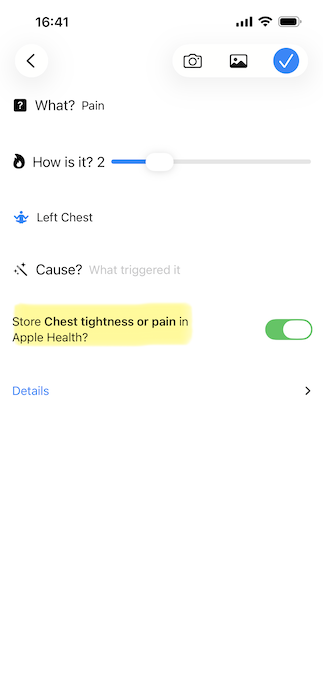
This won’t happen unless you first enable it in the Settings page, after which you’ll be given the option to save to Apple Health when logging something:
Reminders
When logging something, you can ask to be reminded about it in a day, a week, a month or a year.
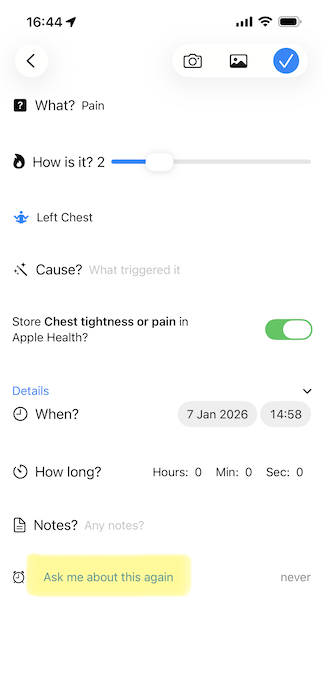
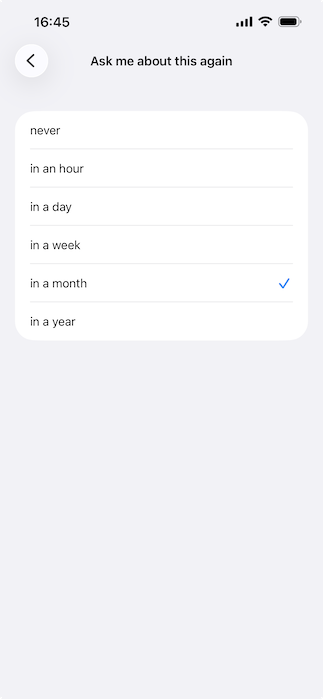
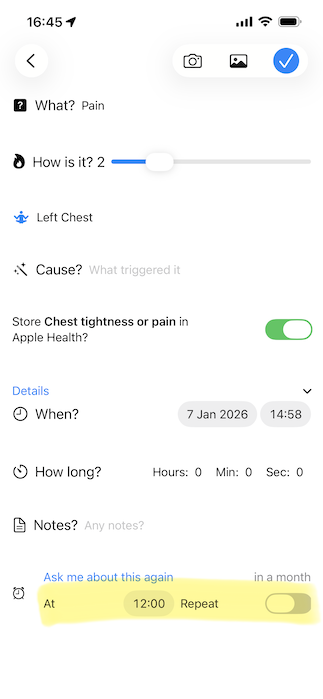
You can view your reminders in the settings page, and swipe to delete them if you wish.